
Are you looking for an extremely frugal, easy-to-use wireless service for your tweens and teens? Or maybe an inexpensive plan to use as an at-home phone. Or you just want to save a ton of money on your own monthly wireless bill? Whatever the case, the extremely frugal cell phone option that has served our family well for years will likely work for you too!
Did you know that the average American spends over $1300 on their cell phone service per year (source)?
Yikes! That’s nuts!
Dave and I currently spend $55 per month (total) for a Verizon prepaid plan (read more about that in this post).
This summer, we will add Nora to our Verizon plan (for an additional $10 or $20 per month) as she’s headed to high school and finally gets her own phone (yes, she’s been counting down the days!)
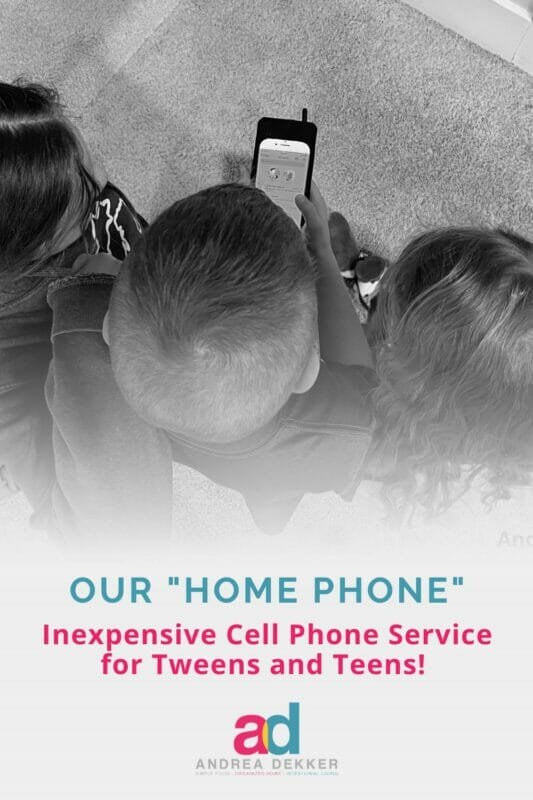
However, we also have a SUPER frugal, $5-per-month data-free plan through Tell0, which we use as our home phone — a phone that stays in our kitchen and can be used by any of the kids to contact us if we’re gone for whatever reason.
Why We Chose Tello for our Home Phone
I often get asked about our home phone, how/what the kids use it for, when we decided it was a good time to purchase it, etc., so I thought I’d share a bit more.
Back in 2021, when our kids were ages 10, 7, 6, and 4, we decided we could start leaving them at home for short periods of time… as long as we had a way to connect with them and for them to call 911 in the event of an emergency.
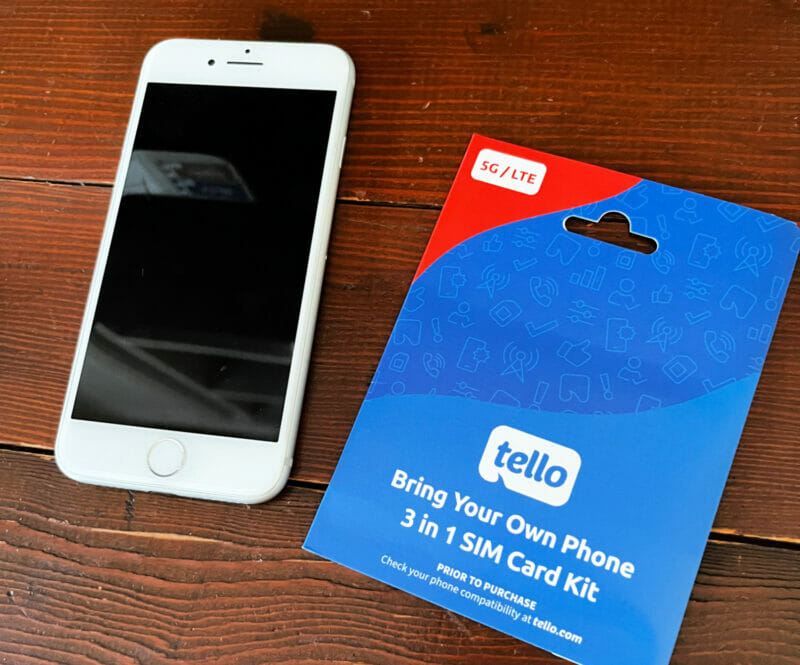
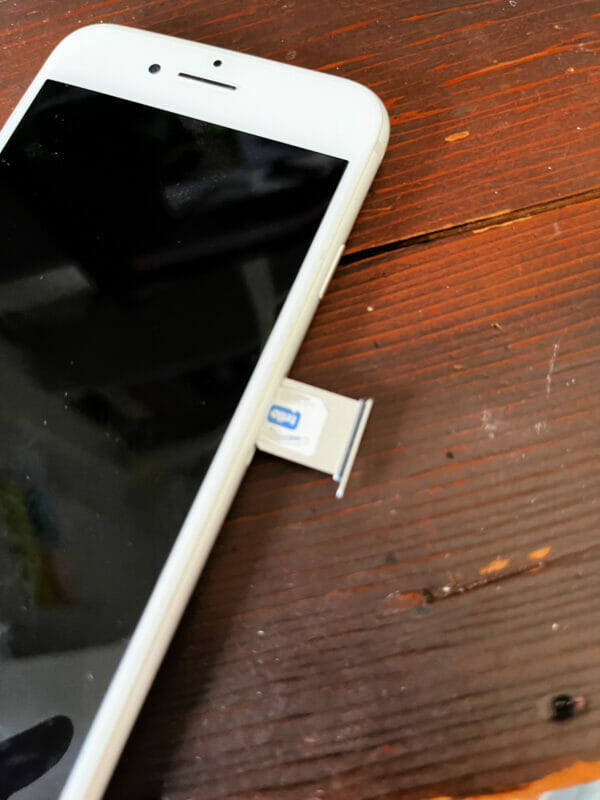
We used one of our old iPhones paired with Tello as the service provider.
The main reason we chose Tello is because we could select a data-free plan… and because it only costs $5 per month.
FIVE DOLLARS!
What is Tello?
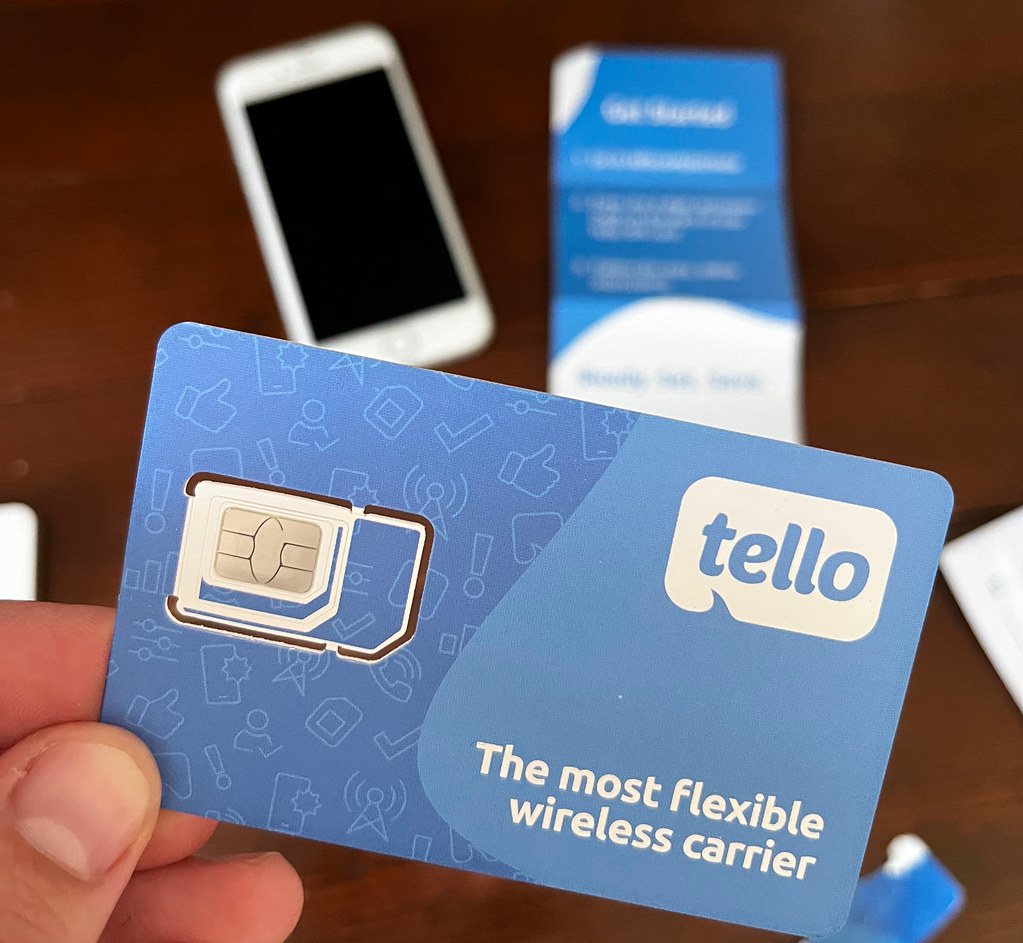
Tello is a mobile virtual network operator (MVNO) that runs on T-Mobile’s nationwide network and offers prepaid plans featuring talk time, texting, and data at an affordable monthly cost.
In my opinion, Tello is a great option for tweens, teens, or even elderly people who don’t need data or lots of minutes.
You can even set up a “pay-as-you-go” plan where you simply add money whenever you’re running low on minutes.
With a quick swap of the tiny SIM card they mail you, you can start saving hundreds (maybe even thousands) per year on your family’s phone service!
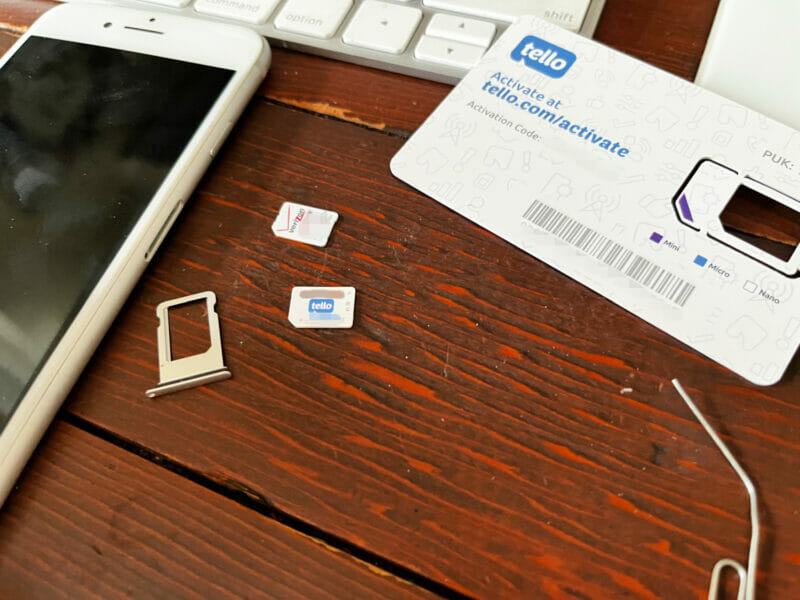
Our Current At-Home Phone Set-up
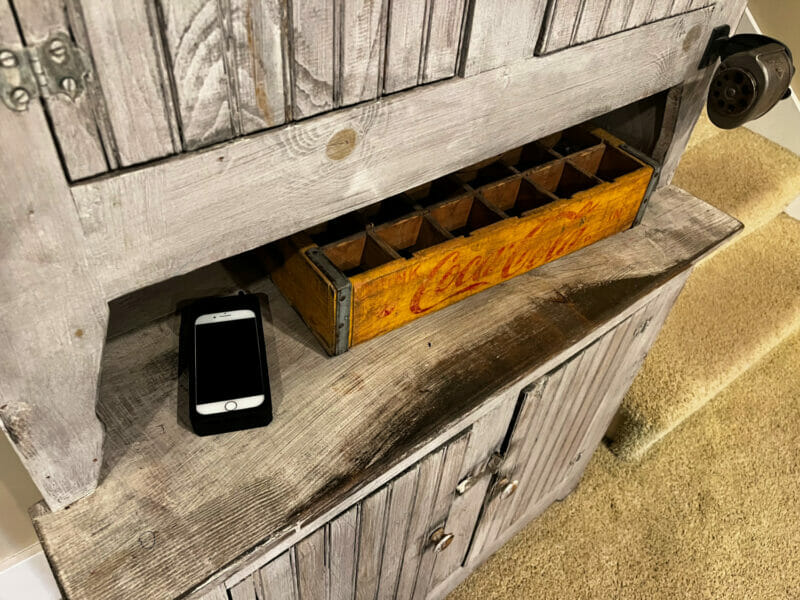
Our “home phone” is not a “land line”, it’s a cell phone. But as the name suggests, our home phone stays in our home… with the only exception that Nora can now take it with her when she babysits for other families.
It’s our family’s phone — not one of the children’s personal lines, so anyone in our family can access it at any time. And the kids are only allowed to use the phone in our main living areas (kitchen/dining/living).
We have allowed Nora to add a handful of friends to the phone so she can text them (she might be the only person in 8th grade without a cell phone 😬).
We will likely let younger kids add a few friends’ numbers to the phone as they get older, too.
How Much Does Tello Cost?
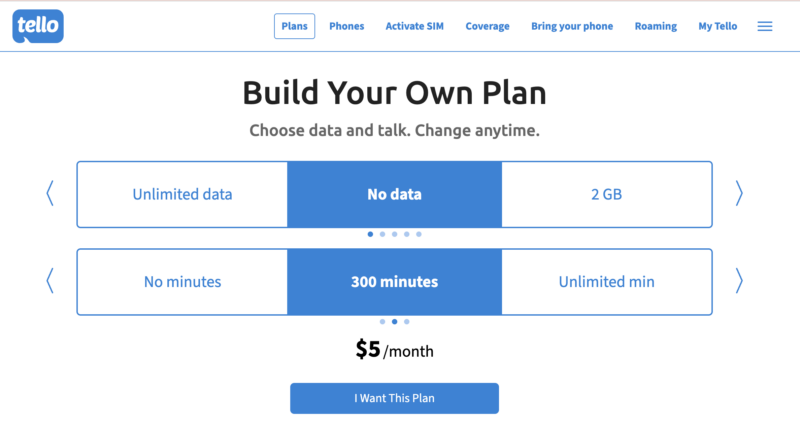
We pay $5 per month (yes, only $5 per month!) for the “Build Your Own Plan” of unlimited texting and 300 minutes (no data).
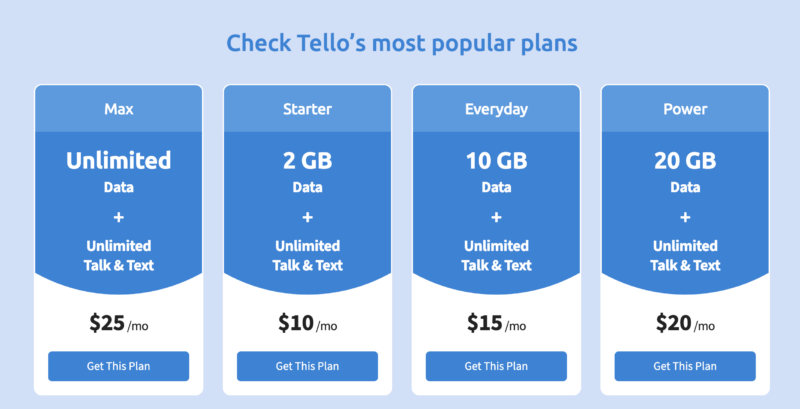
There are many other plans, too — including plans that offer unlimited data, if that’s something you need.
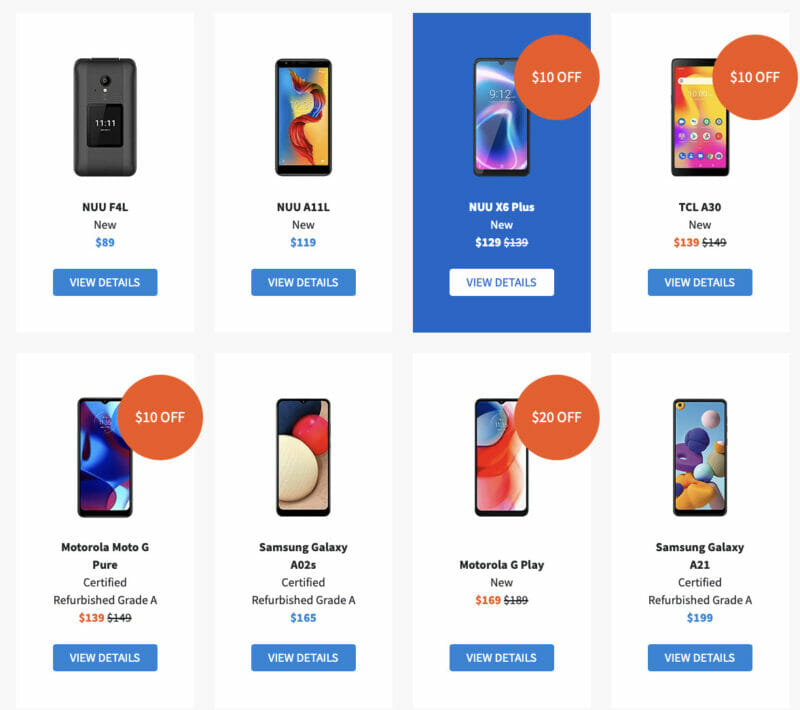
If you don’t have a phone you want to use, Tello does offer a variety of new and refurbished phones for purchase.
They even have new flip phone options if you don’t want to mess with a smartphone.
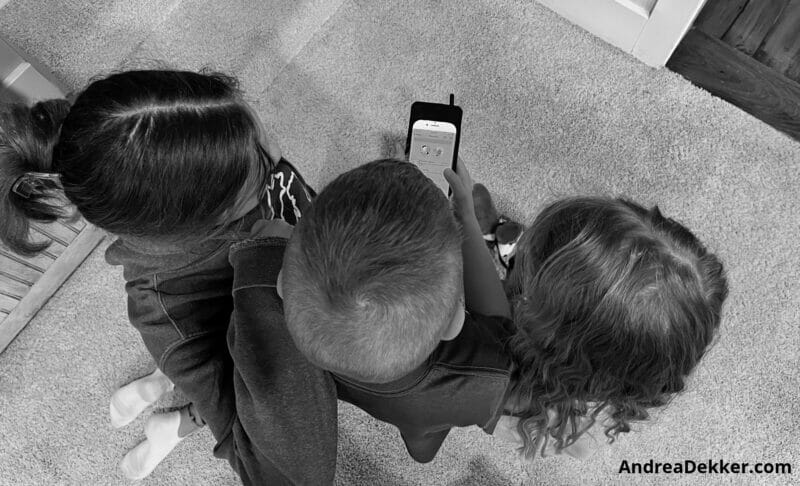
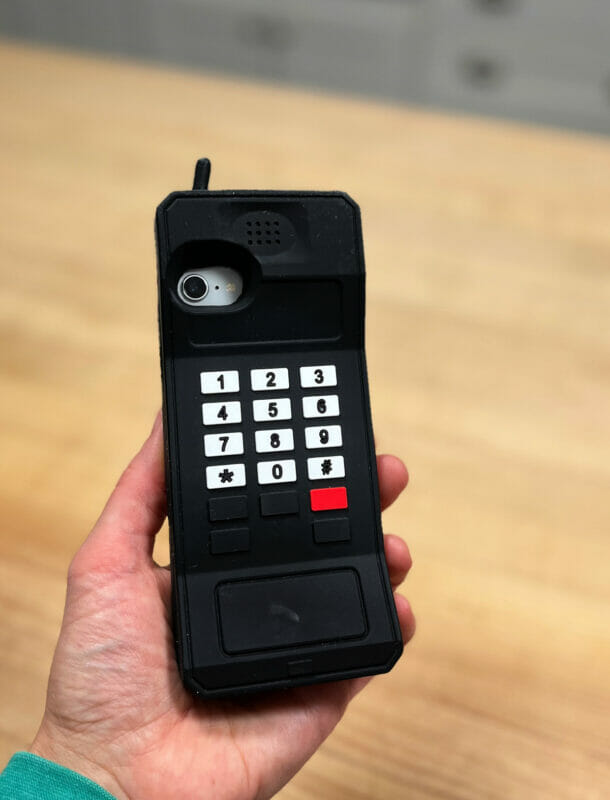
I purchased this retro phone case so it would be difficult to lose the phone… and because Dave and I thought it was really funny! The kids love it too.
Is Tello Safe?
Tello is just the service provider — the phone is what you need to pay attention to in terms of safety features.
We set up a separate Apple ID for our home phone and put pretty strict restrictions on it.
It is connected to our WiFi, so the kids can get on the internet, but we have many things “locked down”. I watched this video to help me set up the parental controls.
Their only contacts are parents, grandparents, a few neighbors, and a few of Nora’s friends.
We also deleted all apps except phone, text message, camera, and weather.
NOTE: if you’re using an old iPhone, make sure you change the Apple ID BEFORE you input the Tello SIM card and before you delete all the apps and contacts (I learned that the hard way!)
Tello Pros:
- Affordable: Depending on your needs, it will cost anywhere from $5-$29 per month.
- Flexible: You can choose how many calling minutes and data you want — or if you don’t want any. So you only pay for what you want.
- No Contract: You are never locked in and can cancel at any time. You can also quickly and easily upgrade your data or calling minutes one month and then downgrade the next month with just a few clicks (no customer service calls).
- Unlimited Texts: Every Tello plan comes with unlimited text messages… which is the main way we’ll most likely communicate with our kids, so this was a big bonus for us.
- Keep your existing number: We obviously needed a new number since we were setting up a new line, but you can easily keep your existing number when switching to Tello.
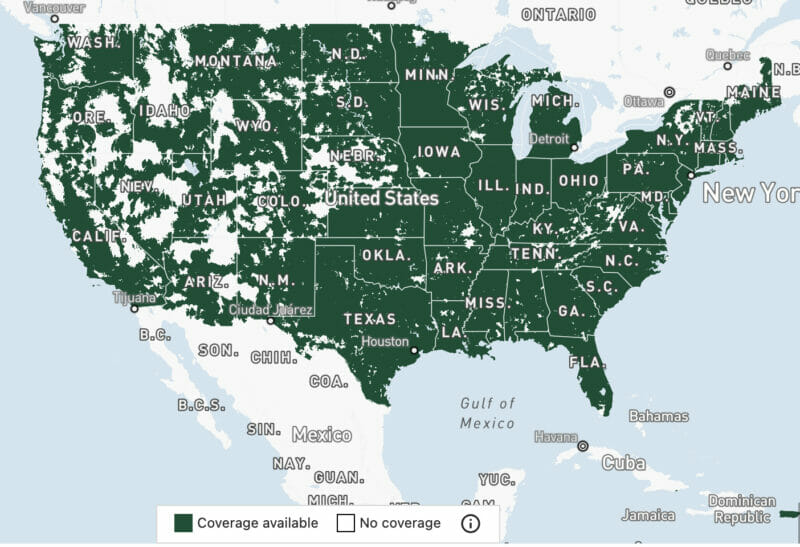
- Good coverage: I think this is probably the main reason we opted for Tello — they have excellent coverage in West Michigan (and really across the US).
Tello Cons:
- No roaming: According to Tello, “we do not offer roaming services or national roaming at this time“. That’s certainly something to be aware of, but since our phone is just at home and T-Mobile has good coverage in our area, this doesn’t affect us.
- You must buy the phone outright: Due to the fact that the service has no contract, the phone cost isn’t bundled into the cost of your calling plan. That means it will cost a bit more upfront. This was also a non-issue for us since we were planning to use my old phone.
- Some issues with no data plans: Since we’ve opted for a no-data plan, we are unable to send group text messages. This is not a big deal for us, but something to be aware of. It’s also not a “Tello issue” but a no-data issue, whatever service you’re using.
A Few Tello Tips:
After several years with Tello, I have a few tips that might help if you’re new!
- Manually pay to save more: while I normally have all our bills set to “auto-pay,” I realized that if I manually pay my Tello bill, I save the service fees. Just make sure you pay it 1 day early.
- Be careful with the pay-as-you-go plan: I originally thought that the pay-as-you-go would be the cheapest option for our family because it’s only $0.01 per minute or per text message — but then I realized I had to pre-pay at least $20, and the credit is only good for 3 months. We would never come close to using $20 worth of credit in 3 months, so the $5 per month is a better deal.
- You can still use WiFi: we have no data on our phone, and we took the internet apps off the phone, but we could still access the internet because the phone is connected to our WiFi for texting.
- The Tello App: we originally thought we had to make all our calls and texts through the Tello App — but then we realized we could do it directly through the phone and text apps already on our iPhone. We just deleted the Tello App from the phone, and I manage our service through my Tello dashboard on my computer.
Our Plan for Kids’ Personal Cell Phones
We’ve held out for 14 years, but we plan to purchase Nora her own cell phone this summer… honestly, many things will be so much easier once she has a phone (don’t tell her that!)
For a variety of reasons, the easiest and best option seems to be adding a new phone to our current Verizon plan, so as of right now, that’s what we plan to do.
I initially wanted to get her a Gabb phone, but after a bit more research and talking with other parents, I think we’re going to give her an iPhone (with lots of limitations and parental controls)!
I know the kids can always get around these restrictions, but for now, we trust Nora to abide by our rules, so we’ll see how it goes this summer. I reserve the right to pivot down the road if necessary!

Meanwhile, we plan to continue using Tello for the home phone.
We’ve been very pleased with our Tello experience… and $5 per month is more than worth it for the peace of mind we have, knowing our kids have a way to contact someone in case of an emergency.
Rose Huddleston says
Do you use Tello as your regular service as well? Why do you specify for teens and tweens? I must’ve missed something in the article. I have Verizon for my mom and myself and sure would like to save. As you mentioned, cell phone service is extremely expensive. Thank you.
Andrea says
I said for “teens” and “tweens” b/c it SO inexpensive and you don’t need to have a data plan (which I know many parents don’t want for their kids).
Dave and I haven’t made the switch yet, but we are tempted — we’ve just been with Verizon forever. But yes, cell phone service is expensive so we talk about switching over to Tello every couple of months!
Lisa in Kansas says
Andrea, I have ALWAYS been impressed with your ability to feed a crowd. I just printed the Chili Cheese Dog recipe. I think my adult nephews will really like it. Also, at our church potlucks the kids go first. I think I will make this for an upcoming potluck and see how it disappears.
I love your work. Our family has benefitted from your research and recipes. Please keep your blog going as your family life gets busier!
Andrea says
haha — thanks 🙂
Glad you enjoyed the chili dog recipe, and thanks so much for your encouraging words!
RachelinWales says
I got Tello off your recommendation a few months (or years?!) ago. I did use your code but not sure if you got any credit – other than that it’s been perfect. I use it because I live in the UK at the moment but like to have a US phone number. With the $5 a month sim and wifi calling (I have it as my “at home” phone too) I can still call any number in the USA inclusive in my plan, from the UK. I think I can also call international too, which is amazing value. Thanks for posting about it – I’ve been really pleased so far.
Andrea says
great — glad to hear you are also enjoying Tello (I’m not sure if I got credit either — but I really don’t care that much!)
And yes, the international calling feature is a huge bonus (not really for our particular needs, but for people in your situation!)
Sue says
We still have a house phone. After living thru 9/11, and people could not use their cell phones. I will always have a house phone.
Mary says
You might want to reconfirm the source of your phone service with your phone company. In the location where I live, all “land lines“ services are now actually wireless-based, regardless of carrier. Even though they’re still connected to the wall with the wire!
Andrea says
Thanks for this suggestion, Mary!
Rhonda says
Shoot, we are in an area of Wisconsin with no coverage. What other companies did you look into that might have similar service?
Andrea says
bummer — I honestly don’t remember the different networks I looked into (it was a year ago and I sort of pushed all that information out of my brain once we made our decision!) You could Google it! 🙂
Rhonda says
No worries. Just wondering if you remembered. When I Google the topic, Tello doesn’t seem to come up, so I thought maybe you’d know about some other “hidden gems”. Glad to hear the Tello is working well for your family.
Alyssa says
Hi Rhonda, I live a couple blocks from international water and too close to Canada to get good cell service. We have had good luck with MVMOs that allow you to make calls and texts via Wifi. We’re on Consumer Cellular now but have also used Ting and Republic Wireless in the past. Because we have a good Wifi network in our house we have no problems with service.
Rhonda says
Thank you, Alyssa! I’ll look into those options.
Nancy says
I’ve used a little pocket type calendar my entire life. I loved the free ones from Hallmark, back in the day. I wish I had saved them all, closest thing to a diary I’ll ever have. One thing I’ve noticed is so many start the week on Monday. I won’t buy those, that’s just wrong. The week starts on Sunday if you ask me.
Andrea says
YES! I love that my calender starts on Sunday. That was my one complaint with the Personal Planners I used for years. I kept asking if they could make one that started on Sunday instead of Saturday 🙂
Julie says
They do make one that starts on Sunday. I ordered a planner for each of my girls and one of them for some reason didn’t offer the week to start on Sunday. I left a note when I placed my order and they made sure that it started with Sunday. We love those planners.
Andrea says
oh wow — I couldn’t find that option when I ordered my last planner. I never thought to leave a note though. I will look for it next year!
Delma Grissom says
I have been think of getting a cheap plan for an extra home phone because we have a swimming pool. A few years back a grandson jumped into the pool into a tube and went upside down. It scared me and I jumped in with my phone in my pocket. I thought afterwards, if it was an emergency, I wouldn’t have been able to call 911 and our neighbors are not real close. So I have decided we just need an extra phone in the house in the same place for emergency Probably in the room going out to the pool. I had made up my mind to do this and read your post.
Thanks for the info.
Andrea says
Well, this would be a good cheap plan, so it could work for you! And yes, definitely a good idea with a pool! That’s one of the reasons we finally got an extra phone this past summer too!
Laura says
We did something very similar with our kids. We bought an old iPhone and use Red Pocket Mobile (they have a deal on eBay where you can buy a year of service for $30). We only turn the phone on when my husband and I are out of the house and my older kids are babysitting or home alone. I love that phone case – we might have to get one for ours, too!
Andrea says
we also love the phone case — the kids want to show everyone when someone new comes over 🙂
Tia says
In case you have the Bible app on it, check it out, because there is a social aspect to the Bible app where you can chat with others.
Andrea says
Thanks Tia!
It’s actually just and electronic version of the Bible (like the Kindle NIV Bible) so I don’t think there are any chat features — but I can check just to make sure!